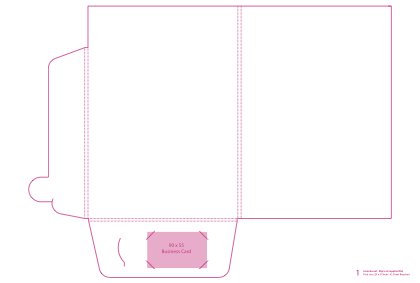
 One Pocket, Roomy, RoundedClosed size: 225 x 319 mmTemplate 01Download PDF Order this folder
Presentation Folder Artwork Guidelines
Download the template for your folder and set your artwork up on it.
Setting up your folder
- Supply a PDF in CMYK at 300dpi, with fonts embedded or outlined.
- Include crop marks and 3mm bleed, and keep text and logos at least 3mm from the trim line.
- Keep the template's dieline in your file as a spot colour, set to overprint, so it doesn't print.
- Page 1 is always the cover. The right-hand side is the front and the left-hand side is the back.
- For folders printed on the cover and inside, reverse the template for page 2.
- Supply 1 PDF per design.
- For Scodix, add a separate page marking the raised area in a spot colour. See how to set it up.
Download a template
Each PDF shows the flat folder with its cut and fold lines. A gusset is the extra depth that lets a folder hold thicker documents.
A4 Folders
One Pocket, Roomy, RoundedClosed size: 225 x 319 mmTemplate 01Download PDF Order this folder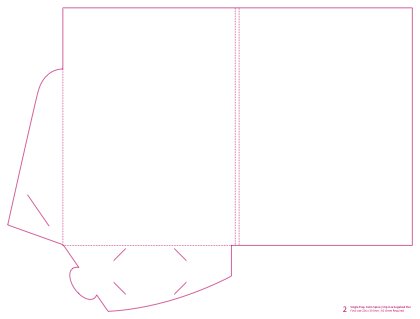 One Pocket, Standard, LowClosed size: 226 x 310 mmTemplate 02Download PDF Order this folder
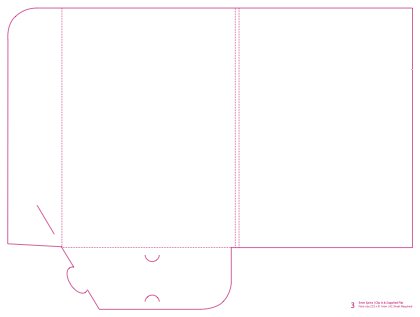 One Pocket, Standard, TallClosed size: 225 x 311 mmTemplate 03Download PDF Order this folder
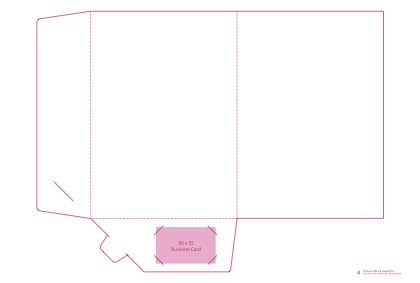 One Pocket, Slim, TallClosed size: 219 x 310 mmTemplate 04Download PDF Order this folder
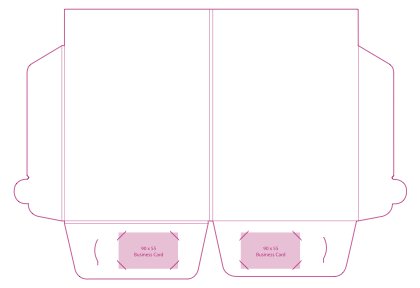 Two Pockets, RoomyClosed size: 220 x 320 mmTemplate 05Download PDF Order this folder
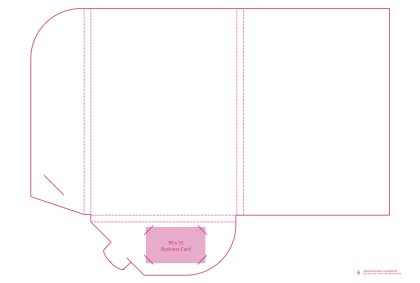 One Pocket, Extra Roomy, Regular HeightClosed size: 219 x 310 mmTemplate 06Download PDF Order this folder
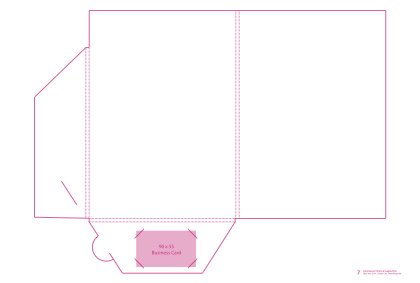 One Pocket, Roomy, AngledClosed size: 220 x 312 mmTemplate 07Download PDF Order this folder
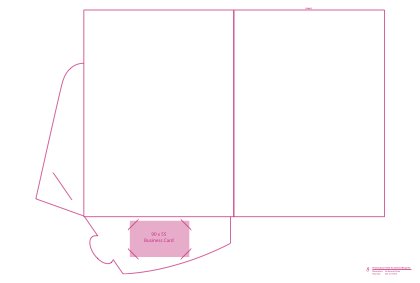 One Pocket, Slim, LowClosed size: 226 x 310 mmTemplate 08Download PDF Order this folder
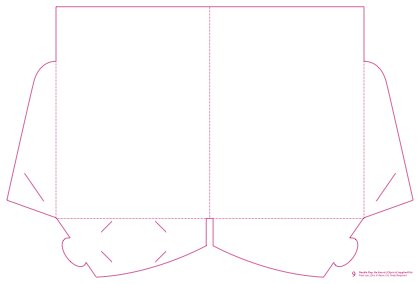 Two Pockets, SlimClosed size: 226 x 310 mmTemplate 09Download PDF Order this folder
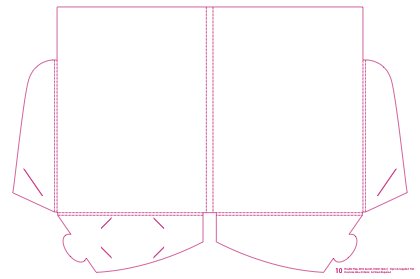 Two Pockets, Extra Roomy, Curved10mm spineClosed size: 226 x 310 mmTemplate 10Download PDF Order this folder
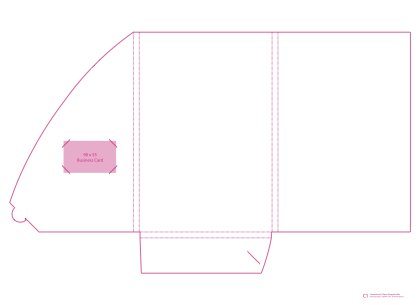 One Pocket, Extra Roomy, TallerClosed size: 225 x 339 mmTemplate C1Download PDF Order this folder
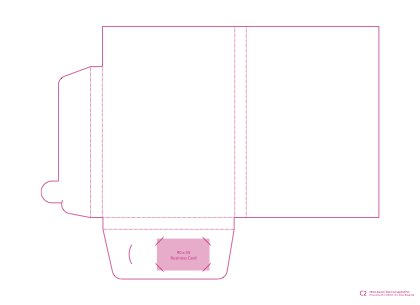 One Pocket, LargestClosed size: 225 x 325 mmTemplate C2Download PDF Order this folder
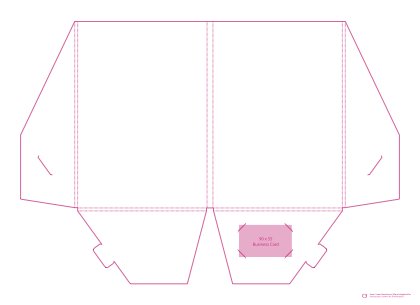 Two Pockets, Extra Roomy, AngledClosed size: 220 x 317 mmTemplate C3Download PDF Order this folder
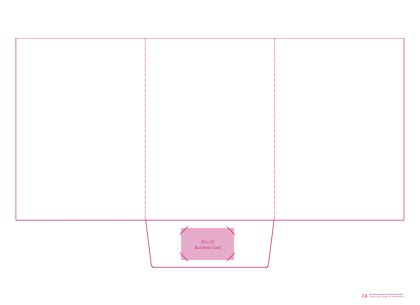 One Pocket, Slim, Six PagesClosed size: 220 x 310 mmTemplate C4Download PDF Order this folder
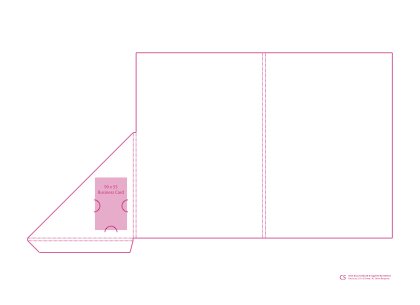 One Pocket, Roomy, Glued Corner PocketClosed size: 215 x 315 mmTemplate C5Download PDF Order this folder
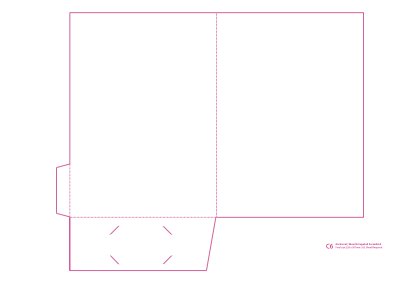 One Pocket, Slim, GluedClosed size: 220 x 307 mmTemplate C6Download PDF Order this folder
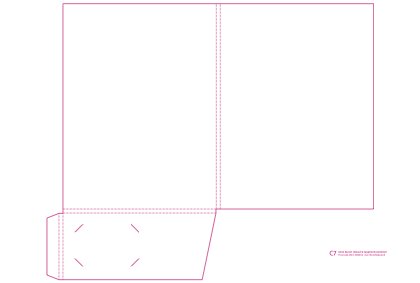 One Pocket, Roomy, Glued Full PocketClosed size: 230 x 308 mmTemplate C7Download PDF Order this folder
A5 and DL Folders
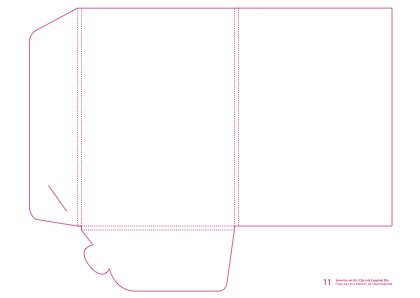 A5, One Pocket, RoomyClosed size: 155 x 220 mmTemplate 11Download PDF Order this folder
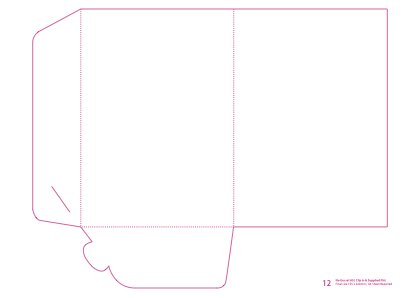 A5, One Pocket, SlimClosed size: 155 x 220 mmTemplate 12Download PDF Order this folder
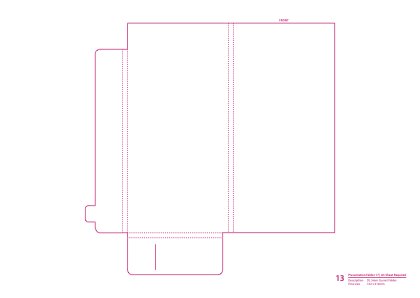 DL, One Pocket, RoomyClosed size: 102 x 212 mmTemplate 13Download PDF Order this folder
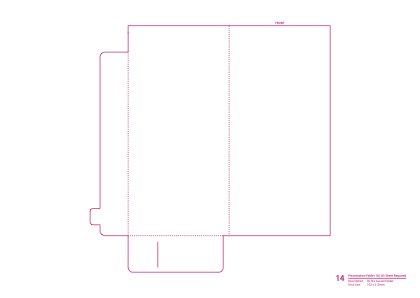 DL, One Pocket, SlimClosed size: 102 x 212 mmTemplate 14Download PDF Order this folder
Wallets
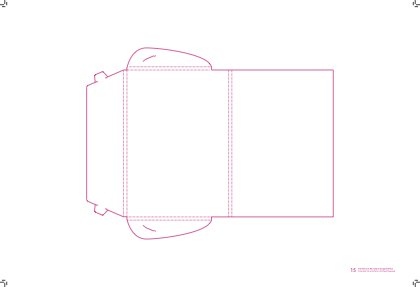 A5 Wallet, 5mm GussetClosed size: 156 x 227 mmTemplate 15Download PDF Order this folder
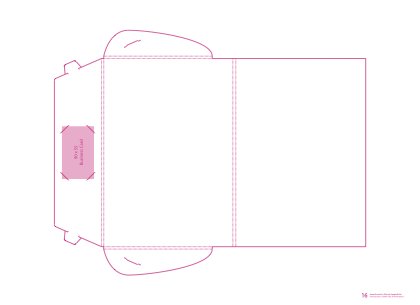 A4 Wallet, 5mm GussetA4 folder that closes like a walletClosed size: 220 x 319 mmTemplate 16Download PDF Order this folder
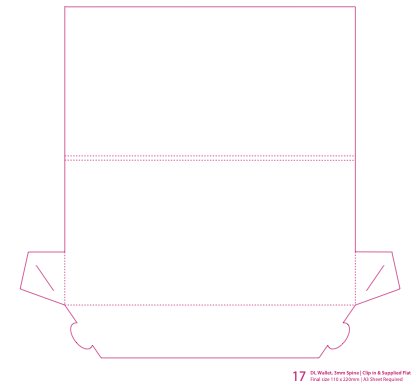 DL Wallet, 3mm SpineClosed size: 102 x 220 mmTemplate 17Download PDF Call to order
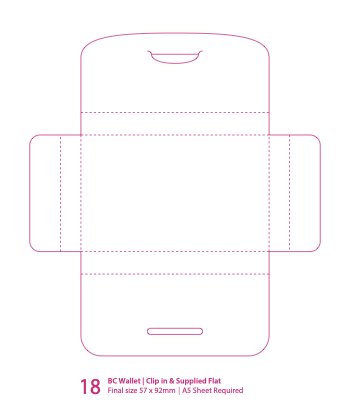 Business Card WalletSmall wallet for cards or vouchersClosed size: 57 x 92 mmTemplate 18Download PDF Order this folder
Not sure your file is ready?
Call us on 1300 339 122, or add Fix my file when you upload it and we'll correct it before print.